Course content
8 modules. Open a module to see what it covers.
1 Web Foundations & Semantic HTML5Objectives · topics · practical exercise
This module establishes how the web works and introduces the fundamentals of HTML5. Learners will explore the client-server model, web browsers, document structures, semantic markup, multimedia embedding, accessible form elements, and basic SEO practices.
Learning objectives
By the end of this module, learners will be able to:
- Explain the client-server model, how websites are served, and the browser rendering lifecycle.
- Construct clean HTML5 documents using correct semantic structure (<header>, <nav>, <main>, <article>, <section>, <footer>).
- Embed images, audio, video, fallback attributes, and external content (maps, YouTube).
- Create structured tables and accessible forms using native validation, <fieldset>, and <legend> tags.
Topics covered
- Introduction to Web Development: Internet fundamentals, client-server model, frontend vs. backend, browser engines, developer tools.
- HTML Basics & Text: Document structure (<!DOCTYPE html>, <html>, <head>, <body>), tags, headings (<h1>-<h6>), lists, links, and navigation menus.
- Media & Tables: Inserting media (<img>, <video>, <audio>), attributes (alt, controls, width, height), external embeds, table tags (<table>, <tr>, <td>, <th>, colspan, rowspan).
- Forms & Semantics: Input types (text, email, number, password, checkbox, radio, file, color, date), <select>, <textarea>, <button>, accessibility (alt text, ARIA roles), and semantic HTML.
Practical exercise
- Semantic Portfolio Shell: Building an accessible, multi-page HTML personal bio page using semantic tags, navigation menus, and embedded media assets.
- Accessible Survey Form: Creating a customer feedback form using diverse input types, required fields, fieldsets, and native browser validation rules.
Expected outcome
- Proficiency in writing valid, semantically correct HTML5 markup.
- Ability to construct accessible forms, tables, and media-rich web documents.
2 CSS3 Fundamentals, Positioning, and Modern LayoutsObjectives · topics · practical exercise
This module covers visual design and page layout using CSS3. Learners will master selectors, specificity, the Box Model, typography, backgrounds, positioning strategies, and responsive layouts built with Flexbox and CSS Grid.
Learning objectives
By the end of this module, learners will be able to:
- Apply inline, internal, and external CSS styling using various selector types and specificity rules.
- Manipulate the Box Model (margin, padding, border, box-sizing) and display properties (block, inline, inline-block).
- Position elements precisely using static, relative, absolute, fixed, and sticky positioning modes.
- Build responsive, fluid page layouts using Flexbox and CSS Grid.
Topics covered
- CSS Basics & Selectors: Syntax, inclusion styles, color models (HEX, RGB, HSL), element/class/ID selectors, attribute selectors, specificity, and inheritance.
- The Box Model & Styling: Content, padding, border, margin, box-sizing, overflow, typography, Google Fonts, background gradients, borders, shadows, and opacity.
- Positioning & Layout: Static, relative, absolute, fixed, sticky positioning, z-index stacking context, float/clear mechanics.
- Flexbox & Grid: display: flex, flex directions, alignment (justify-content, align-items), flex-grow/shrink, display: grid, column/row grid areas, gaps, and auto-placement.
Practical exercise
- CSS Box Model & Card Design: Designing visual profile cards featuring customized borders, Google Fonts, background gradients, and box-shadow styling.
- Flexbox & Grid Landing Page: Constructing a responsive product landing page layout featuring a Flexbox navigation bar and a multi-column CSS Grid product display.
Expected outcome
- Complete control over page layout, spacing, positioning, and visual aesthetics.
- Ability to build complex, two-dimensional web page layouts from scratch.
3 Responsive Web Design, CSS Animations, and Bootstrap 5Objectives · topics · practical exercise
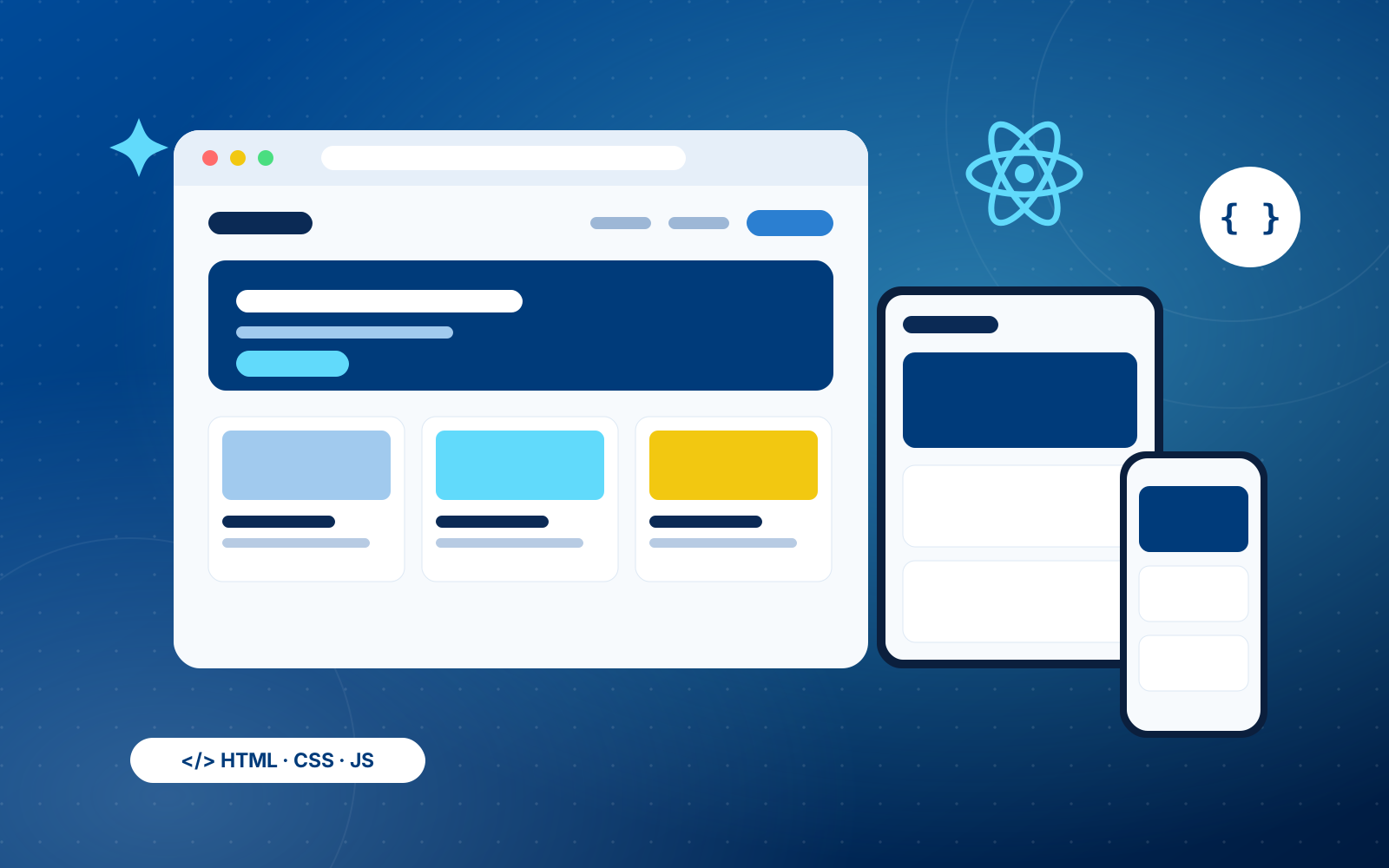
This module bridges custom styling with modern frontend frameworks. Learners will master mobile-first responsive design principles, media queries, CSS transitions/animations, and rapid UI development using the Bootstrap 5 framework.
Learning objectives
By the end of this module, learners will be able to:
- Design mobile-first, adaptive web layouts using CSS media queries and fluid viewports.
- Implement smooth visual user interactions using CSS transitions and @keyframes animations.
- Build responsive web interfaces rapidly utilizing Bootstrap’s 12-column grid system, utility classes, and components.
- Customize Bootstrap forms, navbars, modals, and card elements.
Topics covered
- Transitions, Animations & Responsive Design: CSS transitions, @keyframes, mobile-first design philosophy, media queries, breakpoints, viewport scaling, flexible graphics.
- Bootstrap Setup & Grid: Linking via CDN, .container vs .container-fluid, 12-column responsive grid system, rows, column wrapping, and breakpoint utility rules.
- Bootstrap Components & Utilities: Navbars, dropdowns, cards, modals, accordions, alerts, badges, spacing helpers (m-, p-), display classes, and color utilities.
- Bootstrap Forms & Responsiveness: Input groups, custom form controls, validation styling, stacked/inline form layouts, and responsive visibility classes.
Practical exercise
- Animated Responsive Web Page: Applying media queries and keyframe animations to transform a static single-page site into a responsive, animated page.
- Bootstrap Corporate Portal: Building a business site complete with a responsive mobile navbar, hero slider, modal popups, card grids, and styled contact forms using Bootstrap 5.
Expected outcome
- Competency in building mobile-first, responsive user interfaces across device screen sizes.
- Speed in prototyping and building standardized UI interfaces using Bootstrap 5.
4 Content Management Systems (WordPress) & Core JavaScript FundamentalsObjectives · topics · practical exercise
This module combines content management using WordPress with client-side programming fundamentals in vanilla JavaScript. Learners will configure site themes, pages, and plugins before diving into JavaScript variables, data types, operators, and control flow.
Learning objectives
By the end of this module, learners will be able to:
- Distinguish between WordPress.com and WordPress.org and manage a CMS dashboard.
- Customize themes, pages, posts, navigation menus, and essential plugins (page builders, contact forms).
- Write JavaScript programs incorporating variables (let, const), primitive data types, and arithmetic/logical operators.
- Implement control flow logic using conditional statements (if, else, switch) and iteration loops (for, while).
Topics covered
- WordPress Management: CMS overview, theme selection/customization, site pages vs. posts, media library, widget placement, page builders (Elementor/Block Editor), and plugin management.
- JavaScript Basics: Script inclusion, browser runtime context, variables (var, let, const), primitive data types, type coercion, operators, and template literals.
- Control Flow & Loops: Conditional logic (if/else if/else, switch), short-circuit evaluation, loops (for, while, do...while, for...of, for...in), and loop control (break, continue).
Practical exercise
- WordPress Blog/Business Site Build: Installing and configuring a WordPress site with custom navigation, contact form plugins, elementor pages, and categorized blog posts.
- JavaScript Logic Scripts: Writing standalone JS scripts to execute algorithmic decision-making tasks, such as grade calculators and loop-driven data processing routines.
Expected outcome
- Operational control over setting up, customizing, and managing WordPress websites.
- Practical understanding of JavaScript syntax, execution flow, variable scope, and logical constructs.
5 Data Structures, Functions, and DOM Manipulation in JavaScriptObjectives · topics · practical exercise
This module dives into core JavaScript data structures, functional programming, DOM manipulation, user event handling, and temporal timing functions.
Learning objectives
By the end of this module, learners will be able to:
- Manipulate arrays using iteration and built-in methods (map, filter, reduce, push, pop).
- Construct JavaScript objects, access key-value pairs, and apply arrow functions/higher-order functions.
- Query, modify, create, and remove DOM elements dynamically in response to browser events.
- Manage asynchronous timing operations using setTimeout() and setInterval().
Topics covered
- Arrays & Objects: Array methods (push, pop, shift, unshift, map, filter, reduce), object properties/methods, dot vs. bracket notation, nested data structures.
- Functions & Scope: Declarations, expressions, arrow functions, parameter defaults, rest/spread parameters, higher-order functions, callbacks, closures, and variable scope.
- DOM & Event Handling: Selecting DOM nodes (getElementById, querySelector), dynamic style/attribute updates, element creation, event listeners (click, change, keyup), event bubbling, and preventDefault().
- Timing Functions: Delayed execution using setTimeout(), repetitive execution with setInterval(), and clearing intervals.
Practical exercise
- Dynamic Interactive To-Do List: Building an interactive task manager application where users can add, mark complete, filter, and delete items from the DOM using event listeners.
- Digital Stopwatch & Countdown Timer: Constructing a dynamic digital clock and countdown timer application utilizing setInterval(), date formatting, and real-time DOM updates.
Expected outcome
- Mastery in using JavaScript data structures, functional callbacks, and iteration tools.
- Ability to build dynamic, interactive web interfaces that react to user inputs in real time.
6 Advanced JS, Storage, Asynchronous Execution, and Legacy jQueryObjectives · topics · practical exercise
This module transitions learners into modern JavaScript concepts, local storage persistence, OOP principles, asynchronous API data fetching (async/await), and legacy library execution via jQuery.
Learning objectives
By the end of this module, learners will be able to:
- Store, retrieve, and parse structured data locally in client browsers using localStorage and JSON methods.
- Write Object-Oriented JavaScript using ES6 classes, constructor functions, instances, and inheritance (extends, super).
- Fetch asynchronous data from HTTP REST APIs using fetch(), Promises, and async/await syntax with try...catch error handling.
- Implement basic jQuery selectors, DOM manipulation methods, and AJAX helpers.
Topics covered
- Browser Storage & OOP: localStorage, sessionStorage, JSON.stringify(), JSON.parse(), ES6 Classes, constructor functions, prototypes, inheritance, and the this keyword.
- Advanced JS & Asynchronous Execution: Destructuring, spread/rest syntax, optional chaining, nullish coalescing, Callbacks, Promises, async/await, fetch() API basics, and try...catch blocks.
- jQuery Fundamentals: Selectors, DOM/CSS manipulation methods, event bindings, animations (fade, slide), and AJAX methods ($.ajax, $.get, $.post).
Practical exercise
- Persistent Quiz Application: Building a multi-question quiz app that fetches questions asynchronously, tracks user scores, and persists high scores in localStorage.
- jQuery Weather Dashboard: Creating a weather application using jQuery selectors and AJAX calls to fetch real-time forecast data from a public REST API.
Expected outcome
- Practical fluency with modern JavaScript capabilities (async/await, ES6 classes, storage).
- Understanding of how asynchronous network requests interact with frontend interfaces.
7 Modern React.js Framework (Components, State, and Routing)Objectives · topics · practical exercise
This module introduces React.js for modern, component-driven Single Page Application (SPA) development. Learners will explore the Virtual DOM, JSX syntax, functional components, props, state management (useState), side effects (useEffect), forms, and client-side routing.
Learning objectives
By the end of this module, learners will be able to:
- Explain the Single Page Application (SPA) concept, component architecture, and Virtual DOM mechanics.
- Write JSX expressions adhering to syntactical rules (fragments, camelCase, curly braces).
- Build reusable functional React components and pass dynamic data using props.
- Manage local component state with useState and handle asynchronous lifecycle actions with useEffect.
- Configure multi-view client-side application routes using React Router.
Topics covered
- React Architecture & JSX: SPA benefits, component tree structure, Virtual DOM vs. Real DOM, setting up React apps, JSX syntax rules, dynamic expressions, list mapping (.map()), and key attributes.
- Components & Props: Functional component declaration, prop destructuring, default props, conditional rendering (ternary operators, logical &&), and prop drilling limitations.
- State, Effects & Routing: Local state management using useState, handling input forms, side-effect management with useEffect (dependencies and cleanup), API data fetching, and React Router navigation (Routes, Route, Link, useNavigate).
Practical exercise
- Interactive Movie Discovery App: Building a multi-view React application that fetches movie data from an API inside a useEffect hook, allows real-time search filtering, and renders movie cards dynamically.
- Controlled Form & Multi-Page Navigation: Constructing a multi-route app with React Router containing a controlled contact form with live validation error displays.
Expected outcome
- Competency in building component-based Single Page Applications using React.js.
- Proficiency in state management, conditional rendering, API integration, and client-side routing.
8 Advanced State Management, Generative AI Integration & Capstone ProjectObjectives · topics · practical exercise
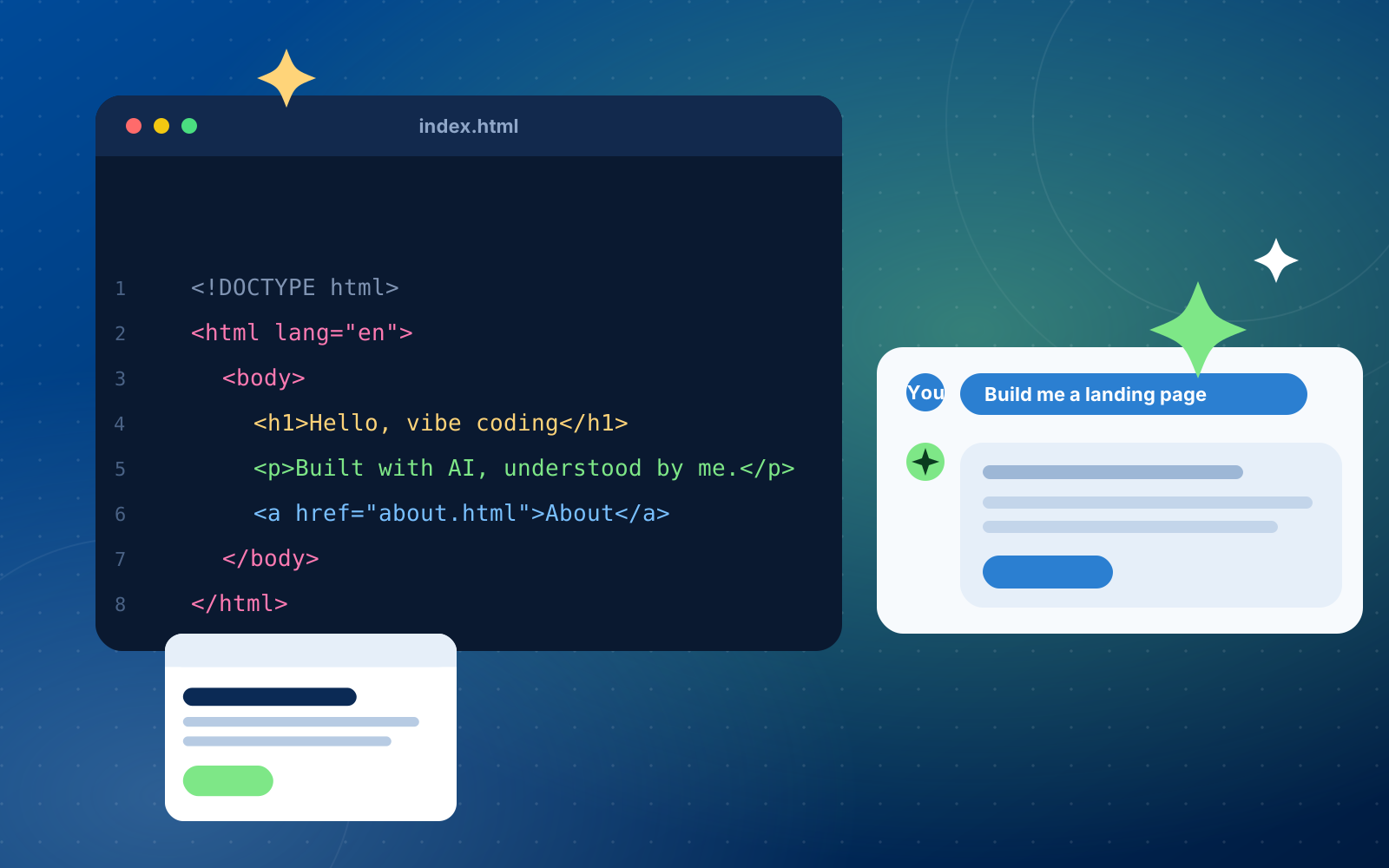
The final module covers global state management in React using Context API and Redux Toolkit, integrating Generative AI APIs (e.g., OpenAI, Anthropic), and executing an end-to-end Capstone Project. Learners will combine all skills acquired throughout the 8 weeks to build, test, and deploy a production-ready frontend web application.
Learning objectives
By the end of this module, learners will be able to:
- Implement global state management using React's Context API (useContext) or Redux Toolkit (createSlice, configureStore, useDispatch, useSelector).
- Connect frontend applications securely to REST APIs and Generative AI endpoints.
- Plan, architect, and deploy a full-featured web application combining responsive UI components, dynamic state management, API data fetching, and interactive AI capabilities.
- Present a production-ready application showcasing clean code structure and modern frontend design principles.
Topics covered
- Context API & Redux Toolkit: Global state architecture, store initialization, reducers, actions, slices, and component state integration.
- Generative AI API Integration: Sending JSON payloads, parsing responses, handling API keys securely, managing loading states, error boundaries, and rate limits.
- Capstone Planning & Execution: Component architecture, application routing, UI polish, browser testing, debugging, and hosting deployment.
Practical exercise
- AI Endpoint Workspace: Constructing an interactive text/image generation workspace in React that communicates directly with an AI API provider.
- CAPSTONE PROJECT EXECUTION: Building a complete, multi-route React & Redux application featuring dynamic API integrations, global state persistence, responsive styling, and an interactive Generative AI tool (e.g., Smart E-Commerce Hub with AI Shopping Assistant OR AI-Powered Content & Task Management Suite).
Expected outcome
- Ability to architect and build scalable Single Page Applications using React and Redux.
- Practical mastery in integrating AI API endpoints into modern frontend applications.
- A portfolio-ready Capstone Project demonstrating complete frontend mastery from semantic HTML5 up through React state management and Generative AI integration.